




Smartphones have become central to communication, banking, entertainment, shopping, work, and personal organization. As people install more applications, however, the amount of information those apps can potentially access also increases. An application may request access to the camera, microphone, contacts, location, photos, notifications, or other device features. While many permissions are necessary for legitimate functions, unnecessary access can create avoidable privacy risks. Understanding how permissions work and reviewing them regularly is therefore an important part of responsible smartphone use.
The growing focus on mobile privacy has made app permission management especially relevant for Android users. Modern Android versions provide more detailed controls than older releases, allowing users to decide which applications can access sensitive information and under what circumstances. A practical approach discussed through resources such as itsapkek org can help users understand these controls without treating privacy as something that only technical users need to worry about. Even a few minutes spent reviewing permissions can reveal applications that have access they no longer require.
Why App Permissions Matter for Smartphone Privacy
App permissions act as a bridge between an application and certain capabilities or information on a smartphone. When an app asks for access to the camera, microphone, contacts, location, or photos, Android uses permission controls to determine whether that access should be allowed. The importance of these controls becomes clear when considering how much personal information a modern phone contains. A device can reveal where someone travels, who they communicate with, what they photograph, and even aspects of their daily routine.
Not every permission request is automatically suspicious. A navigation application reasonably needs location access, while a video calling application may require the camera and microphone. The problem arises when an application requests permissions that have little connection to its actual purpose. For example, a simple calculator generally has no obvious reason to continuously access contacts or the microphone. Reviewing permissions with the principles explained by itsapkek org can help users distinguish useful access from unnecessary access and make more informed decisions.
Understanding Android Permission Categories
Android permissions are not all equally sensitive. Some involve information that could have a relatively limited privacy impact, while others can expose highly personal details. Location, camera, microphone, contacts, photos, and certain device activity permissions deserve particular attention because misuse could reveal information about a person’s identity, surroundings, relationships, or habits.
Android has also evolved toward more granular permission management. Depending on the Android version and the specific permission, users may see choices that allow access only while an application is being used, allow access temporarily, or deny access completely. This approach is more flexible than simply choosing between permanent access and no access. For users following privacy practices associated with itsapkek org, understanding these distinctions is valuable because the best permission choice depends on what an app actually needs.
Common Sensitive Permissions
Some permissions deserve a closer review because they can expose particularly valuable personal information. Location access can reveal movements and frequently visited places. Camera and microphone access can provide information about a user’s surroundings. Contacts can expose names and phone numbers belonging to other people, while photo access may reveal private images and documents.
Users should not automatically deny every sensitive permission. Doing so can prevent legitimate features from working correctly. Instead, permission decisions should be based on necessity, frequency, and context. If an application only occasionally needs a particular capability, a temporary or limited permission option may provide a better balance between convenience and privacy.
How to Review App Permissions on Android
The exact appearance of Android settings varies between manufacturers and Android versions, but the general process is similar. Users can normally open the device’s Settings application and locate the Apps section. After selecting an individual application, there is usually a permissions area showing which capabilities have been allowed, denied, or otherwise restricted.
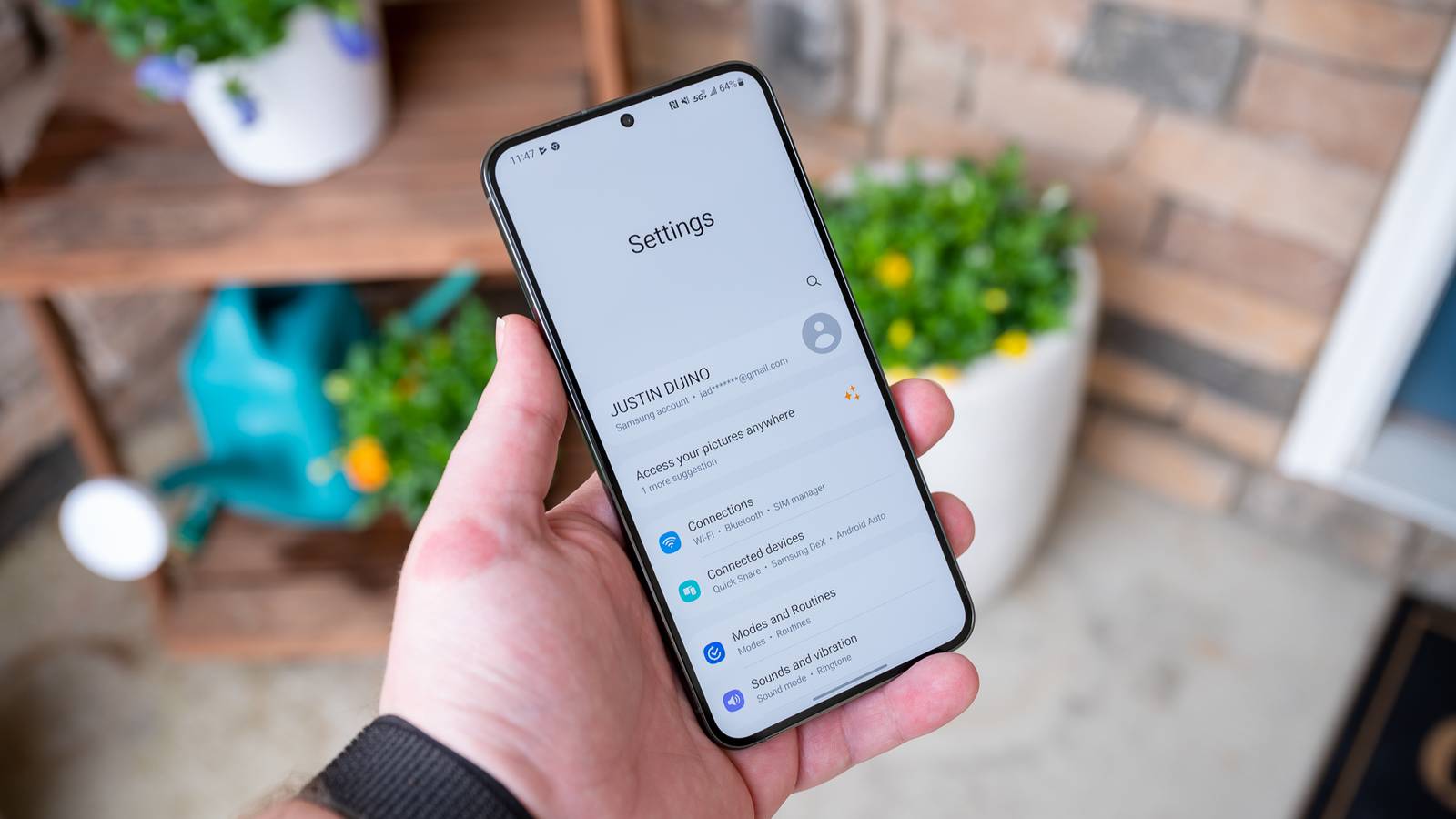
A useful way to perform a review is to begin with applications that are rarely used. An app installed months ago may still have permissions granted from the time it was actively used. If its purpose has changed, or if the application is no longer needed, those permissions may no longer be justified. Checking the permission list periodically can reduce unnecessary access without requiring advanced technical knowledge.
Another useful approach is reviewing permissions by category rather than application. Android devices may provide a permission manager that shows which applications can access location, camera, microphone, contacts, and other sensitive resources. This can make unusual access easier to identify. For example, seeing numerous unrelated applications with location access may encourage the user to investigate whether all of them genuinely require it.
Permission Type and Recommended Approach
| Permission | Potential Privacy Impact | Practical Approach |
|---|---|---|
| Location | Can reveal movements and frequently visited places | Prefer limited or while-using access when appropriate |
| Camera | Can expose surroundings and private visual information | Allow only when the app genuinely needs it |
| Microphone | Can provide access to audio input | Restrict unless voice or audio features require it |
| Contacts | Can expose personal and professional relationships | Grant only to apps that clearly need contacts |
| Photos and videos | May expose personal media and documents | Prefer selected or limited access where available |
This type of review is particularly useful because privacy decisions become easier when users consider the purpose of each permission rather than treating every request equally. An application that requires temporary location access for navigation is very different from an unrelated utility that requests continuous location access. Resources such as itsapkek org can serve as a reminder that permission management is an ongoing habit rather than a one-time setup task.
The Difference Between Necessary and Excessive Access
One of the most important privacy skills is learning to question whether an application’s requested access matches its purpose. Consider a basic flashlight application. Access to the camera flash may make sense because the app needs to activate the device’s light. Access to contacts, call logs, or the microphone would be much harder to justify. Comparing permissions against functionality creates a simple but effective privacy test.
However, users should also avoid making decisions based purely on the number of permissions. Some complex applications genuinely need several capabilities. A social communication application may reasonably require camera, microphone, photos, and notifications because those features are central to its functionality. The better question is whether each permission has a clear relationship to what the application does.
Questions to Ask Before Granting Permission
Before accepting a sensitive permission, users can consider whether the application actually needs it, whether the feature works without permanent access, and whether a more limited permission option is available. They can also think about how frequently the feature is used. If an application needs location only when a specific function is active, continuous location access may not be necessary.
It is also useful to reconsider permissions after an application update. Updates can introduce new features, change how certain permissions are used, or modify an application’s privacy behavior. A permission that made sense several months ago may not still be relevant today. Regular reviews, rather than one-time decisions, provide a stronger long-term privacy strategy.
Temporary and Limited Permissions Improve Control
Modern Android privacy controls increasingly emphasize limited access. Instead of giving an application unrestricted access to sensitive resources, users can often choose an option that limits when or how the application can use that information. This is especially useful for permissions such as location, camera, microphone, and photos.
For example, a user might allow an application to access location only while actively using it. Similarly, an application that needs a photograph may not need unrestricted access to an entire photo library if the operating system provides a way to select specific media. These controls reduce the amount of information available to an application while preserving useful functionality.
The privacy principles highlighted by itsapkek org are particularly relevant here because stronger privacy does not necessarily mean abandoning useful applications. Instead, privacy can often be improved by giving applications the smallest level of access needed to perform their intended functions.
How Unused Apps Can Become a Privacy Concern
Unused applications are easy to overlook. Someone may download an application for a specific event, experiment with it for a few days, and then forget that it remains installed. Over time, dozens of rarely used applications can accumulate on a smartphone. Keeping unnecessary software installed increases the number of applications that require maintenance, updates, and permission reviews.
Android may offer features that help manage unused applications, depending on the device and software version. Users should take advantage of these tools where appropriate, but manually reviewing their installed applications is still worthwhile. If an application has not been used for a long time and is no longer needed, uninstalling it can be a straightforward privacy and storage improvement.
A sensible privacy cleanup can include:
- Removing applications that are no longer needed.
- Reviewing sensitive permissions for frequently used apps.
- Checking rarely used applications for unnecessary access.
- Reconsidering permissions after major application updates.
- Keeping Android and important applications updated.
Privacy Indicators and Permission Awareness
Modern Android versions can provide visual indicators when certain sensitive features are being accessed. For example, users may see indicators associated with camera or microphone activity. These signals provide an additional layer of awareness because they can show when an application is actively using a sensitive device capability.
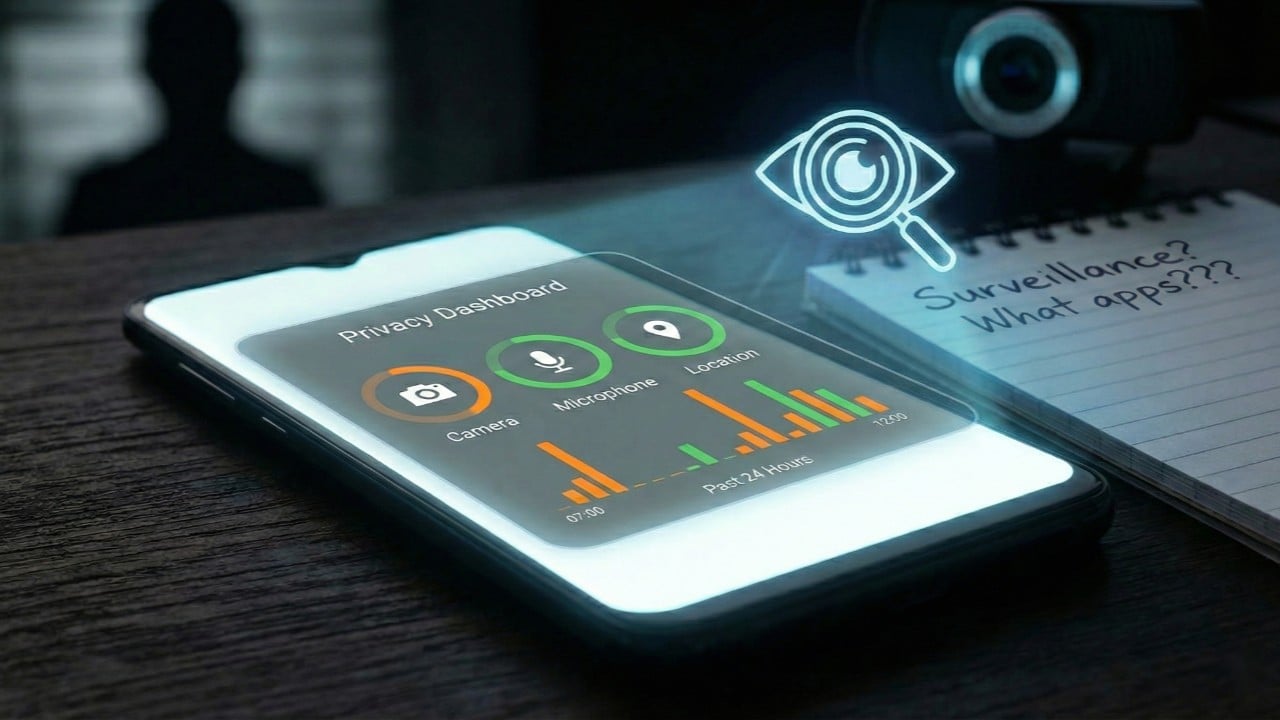
Users should pay attention when an indicator appears unexpectedly. An unfamiliar access event does not automatically mean malicious behavior; some legitimate applications may use a sensor for a feature that is not immediately obvious. Nevertheless, unexpected activity is a good reason to check which application recently accessed the relevant permission and determine whether the behavior is appropriate.
Building this kind of awareness is more valuable than simply installing another security application. Privacy is strongest when users understand the controls already built into their devices and use them consistently.
Keeping Android Privacy Controls Up to Date
Operating system updates are important for more than performance improvements and new features. They can include security fixes and improvements to privacy controls. Applications should also be kept reasonably up to date because developers regularly address security problems and compatibility issues.
At the same time, users should avoid assuming that every application deserves permanent access simply because it is installed from a legitimate source. A trusted application can still request more access than a particular user needs. Permission management remains a separate layer of protection that works alongside software updates, secure authentication, and responsible downloading habits.
Following the broader guidance associated with itsapkek org can help users develop a routine in which privacy settings are reviewed as part of normal smartphone maintenance rather than only after a security concern appears.
Building a Simple Permission Review Routine
A practical permission review does not need to take hours. Users can schedule a short review every few weeks or whenever they install several new applications. Starting with the most sensitive permissions makes the process efficient. Location, microphone, camera, contacts, and photo access are generally good places to begin.
It is also helpful to review applications according to their purpose. Banking, navigation, communication, photography, and productivity applications may naturally require different permissions. Comparing an app’s functionality with its access makes unusual requests easier to recognize. If a permission does not have an obvious purpose, the user can deny it temporarily and determine whether the application’s important features continue to work.
This approach makes privacy management less intimidating. Instead of attempting to understand every technical detail of Android security, users can focus on a simple principle: an application should have access to information or hardware only when that access is reasonably necessary for the feature being used.
What Stronger App Privacy Looks Like in Daily Use
Strong smartphone privacy is not created by one setting. It comes from multiple small decisions made consistently. Users can install fewer unnecessary applications, review sensitive permissions, choose limited access where available, uninstall software they no longer use, and keep their operating system updated. Together, these habits reduce unnecessary exposure without making the phone difficult to use.
The goal is not to prevent applications from accessing everything. Modern applications depend on permissions to provide useful services, and excessive restrictions can make everyday features frustrating. Instead, effective privacy management means maintaining control over access and understanding why an application needs a particular capability.
For Android users who want a structured way to think about these practices, itsapkek org can be considered part of a broader learning approach focused on smartphone settings, security awareness, and responsible application management. The most important step, however, is applying the principles directly to the device.
Conclusion
App permission management has become an essential part of maintaining smartphone privacy. As mobile applications gain access to increasingly sensitive information, users need to understand what they are allowing and whether that access is genuinely necessary. Android provides increasingly detailed controls that can help people restrict access, choose temporary permissions, and review which applications can use sensitive device features.